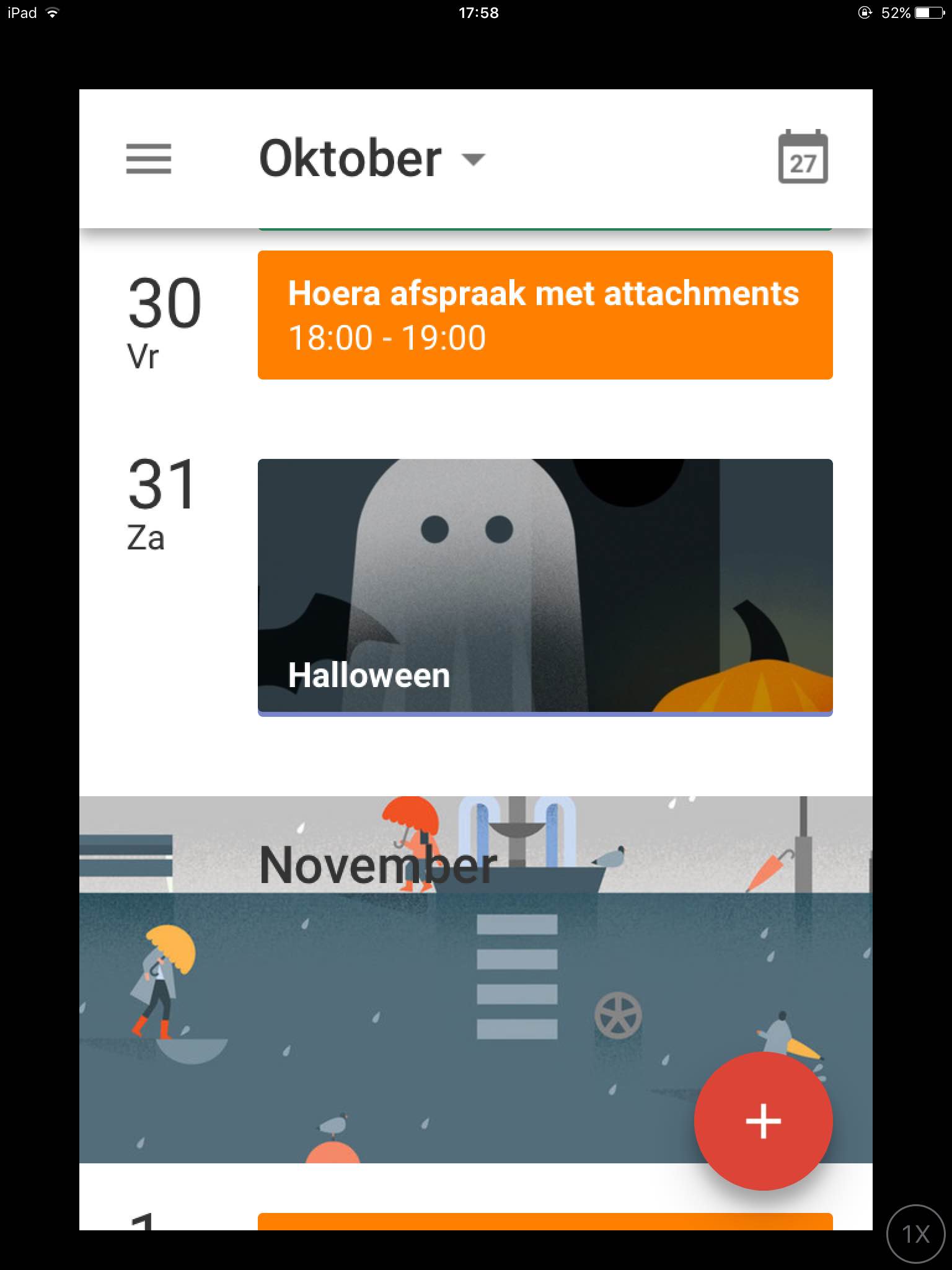
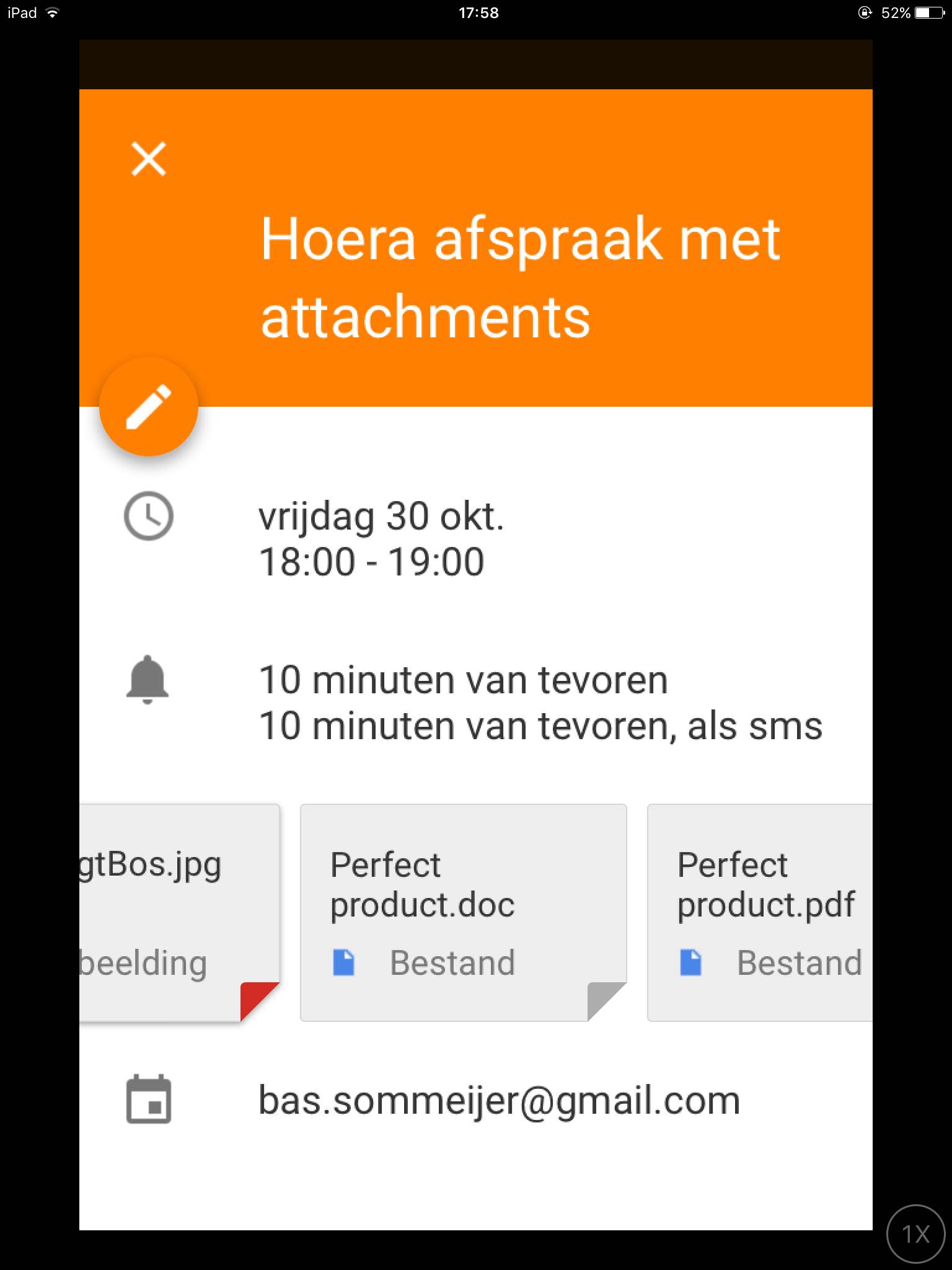
 If you are using Google calendar in a browser you can easily add an attachment. But for some reason on an iPad and iPhone you cannot add them in the default Calendar app. Also sometimes the calendar attachments aren’t even shown.
iPad and iPhone Google Agenda app
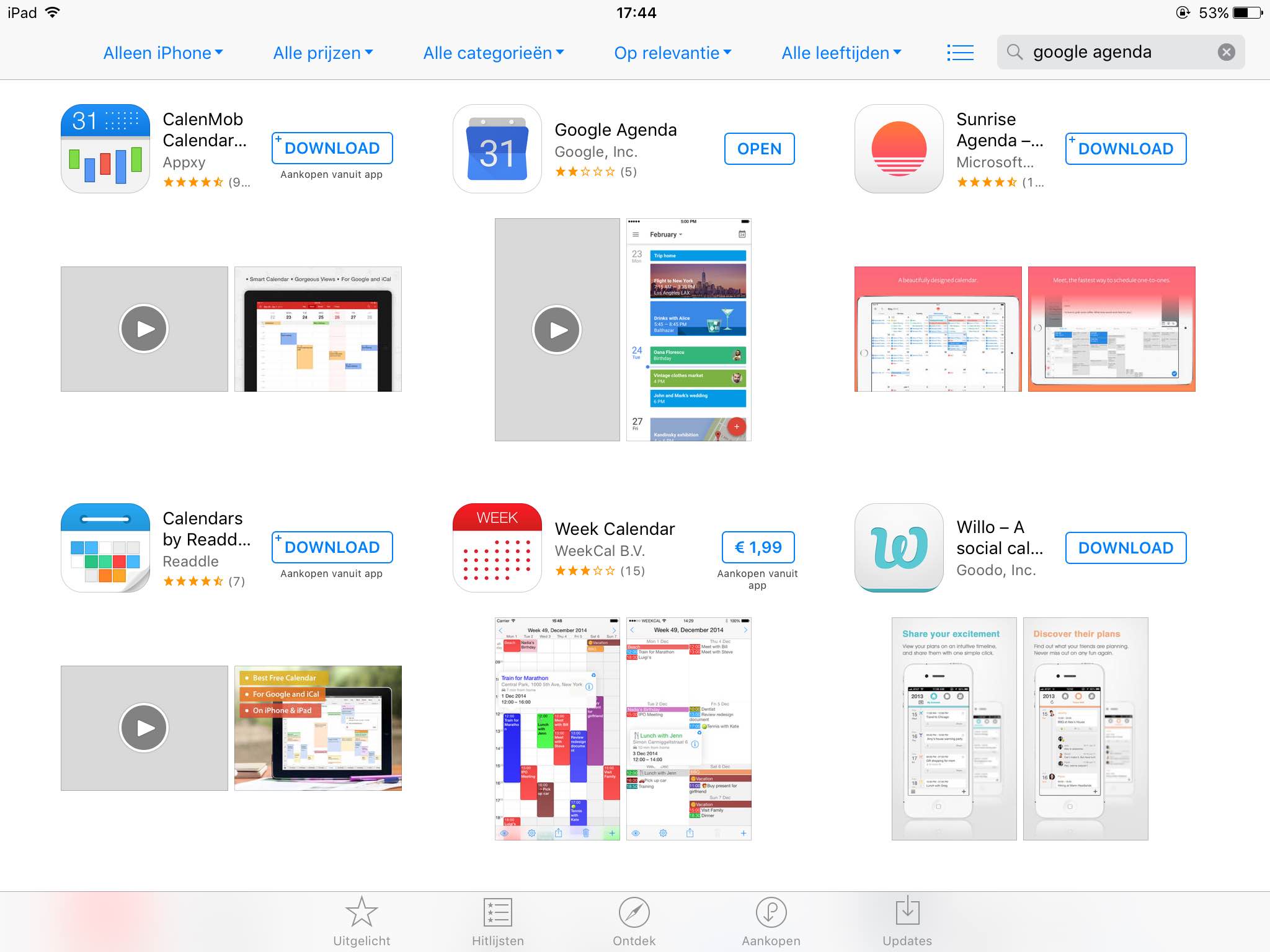
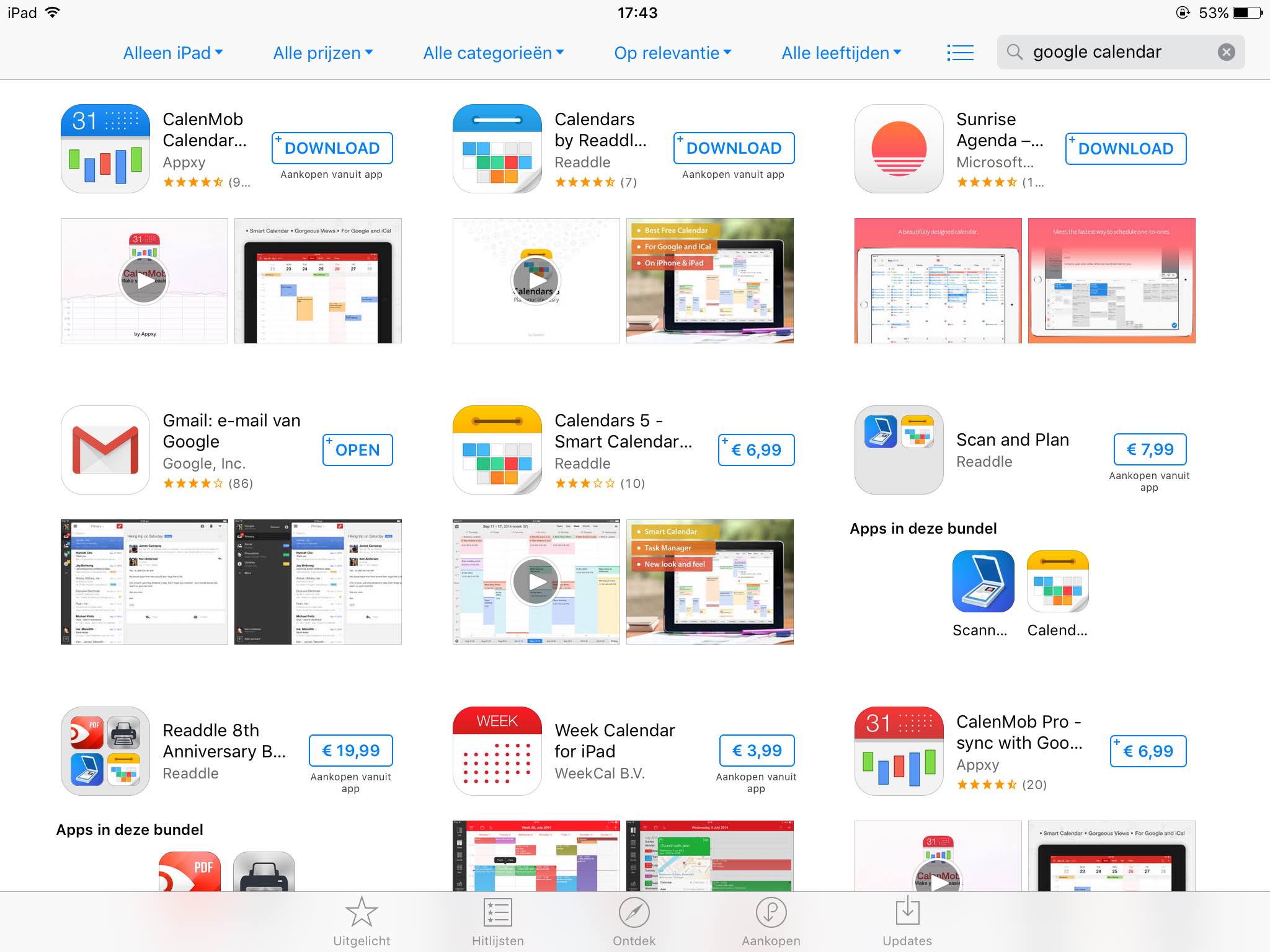 I searched a lot in the App Store on Google Calendar to find an app made by Google to replace the default Apple Calendar app but with no results. Until I tried to search in the App Store with Google Agenda and selecting iPhone only. And this is the solution, and also a nice one if you want to work with attachments in the Google Calendar.
Where are the attachments stored?
All the attachments you add to an appointment will be uploaded to your main Drive folder.
Can invited people also see the attachments?
Yes, the functionality of Google Drive is used. For all the attachments a shared link is provided. Anyone who has access to the shared link can view the attachment.
Which attachments can be viewed?
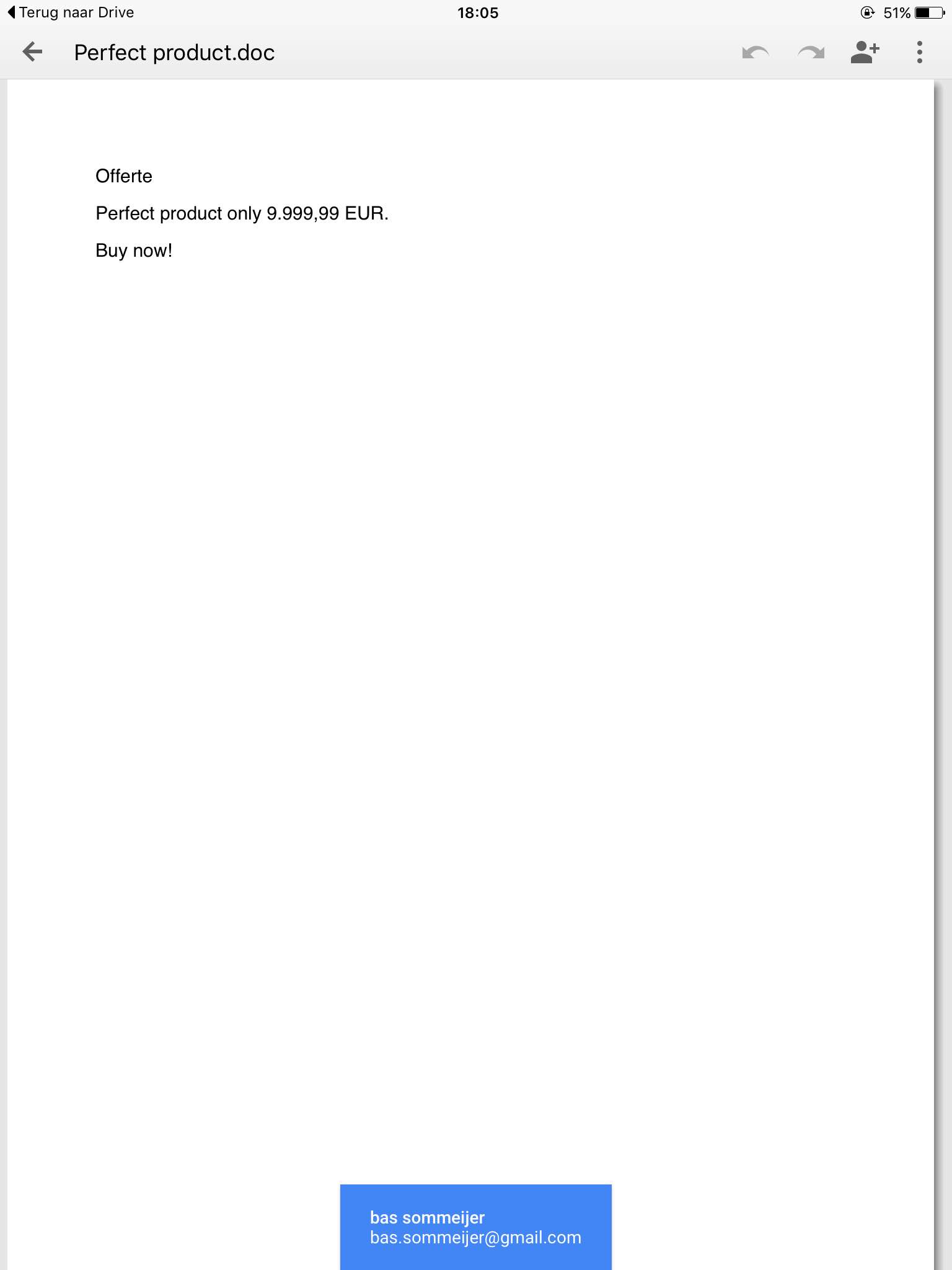
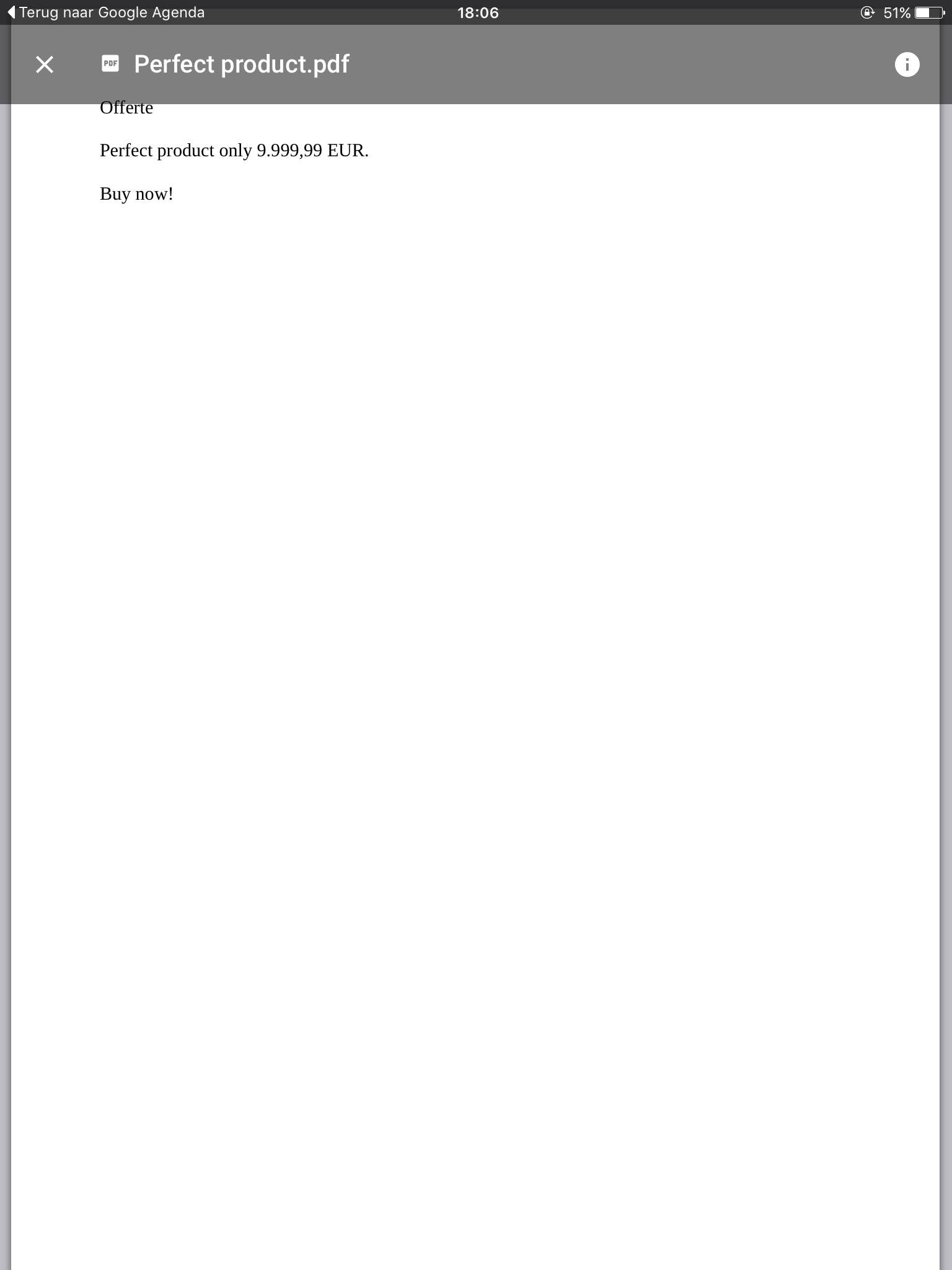
All attachments that Google Drive can handle, so foto.jpg, document.doc, pdf.pdf

Geef een reactie